Build through conversation
Tell AI what to make and what to change. Keep iterating in the same project.
Appunvs AI App Builder
Start with a description. Build, preview, and refine your application with AI.
Create a pottery class booking app with classes, time slots, and registration.
AppunvsThe class list and booking page are ready. Adjust the page, or tell me what to change next.

Start with a little clay. Make something of your own.
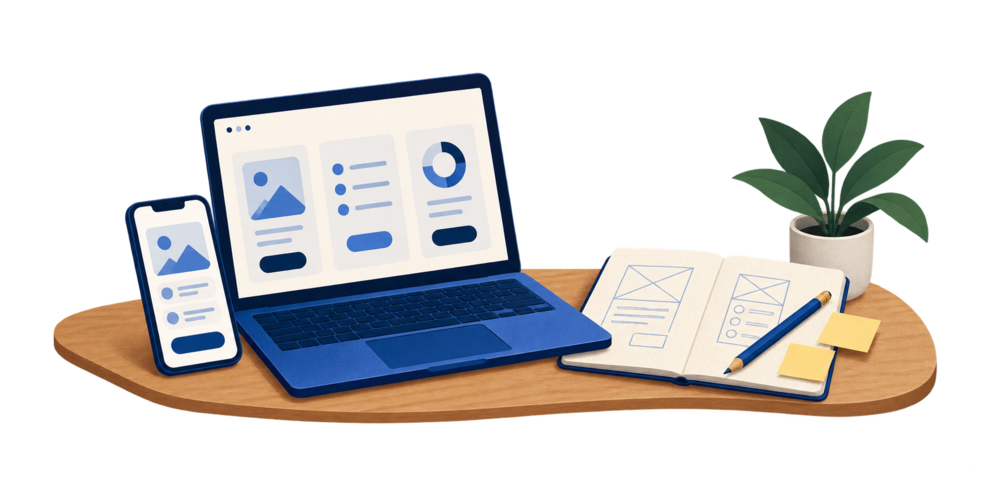
Product illustration
Stay in control of every change
Describe a change, check the preview, or work directly with the code.
Tell AI what to make and what to change. Keep iterating in the same project.
Review pages and interactions in the preview. Turn your ideas into concrete feedback.
Inspect and export your project source. Continue development in your own workflow.
Decide where your app will run, then explore its build and delivery options.
Reach people in their browser
Build for iOS and Android
Create desktop workflows
Build for everyday WeChat use
Build and publishing options depend on the target platform. Check the available actions in your project.
Develop on device, build locally, and manage updates.
Learn more →Connect the backend services your app needs.
Learn more →You do not need every detail worked out to begin.